Board or committee paper
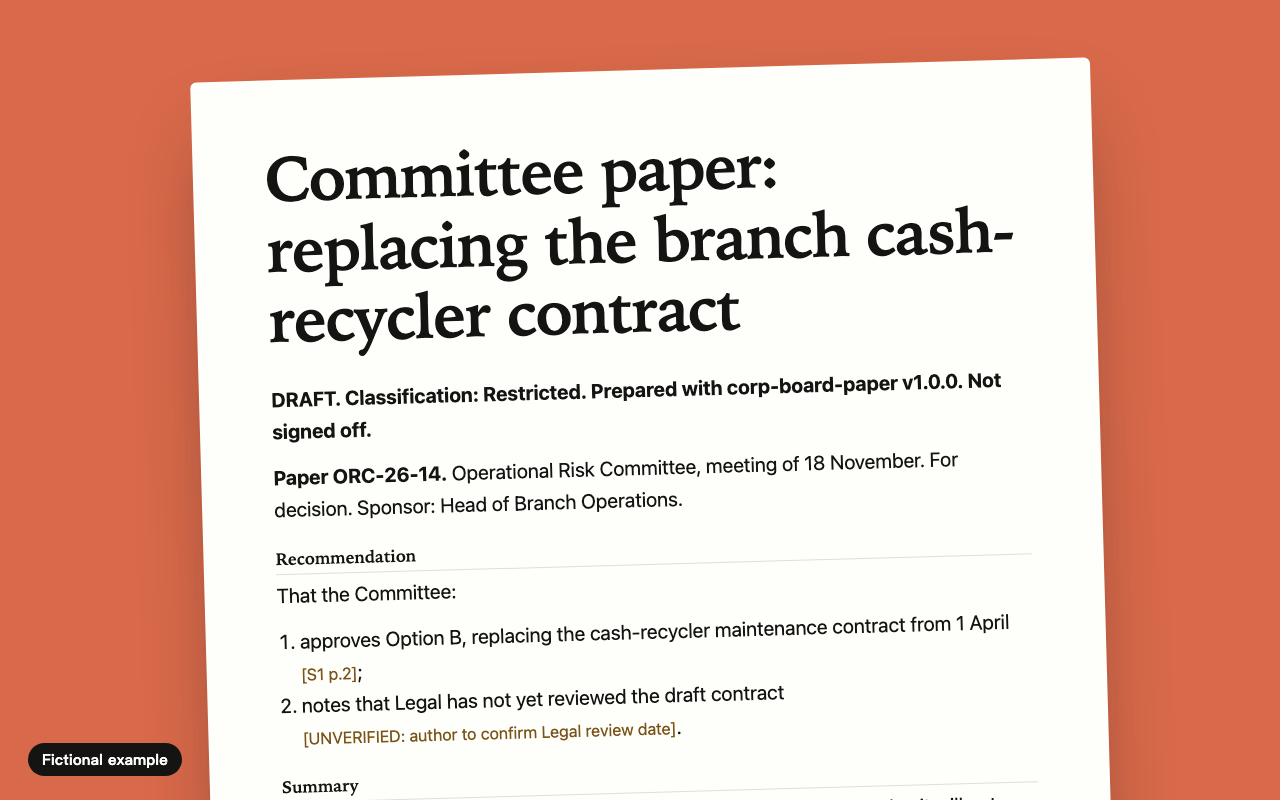
Turns approved facts into a decision-ready paper, with the recommendation on page one and every claim sourced.
Ten ready-to-adapt skills for the paperwork these places run on, and a maker for your own templates. Plain text and no code. They ask for no web access and tell the assistant not to invent facts. Each one is written so a person signs off the output.
Tested so far: we followed the instructions by hand on invented cases, and checked the packages against Microsoft's published schema. They have not been run in real GitHub Copilot or Microsoft 365 Copilot. Run your own trial on invented material first. See what was and was not checked
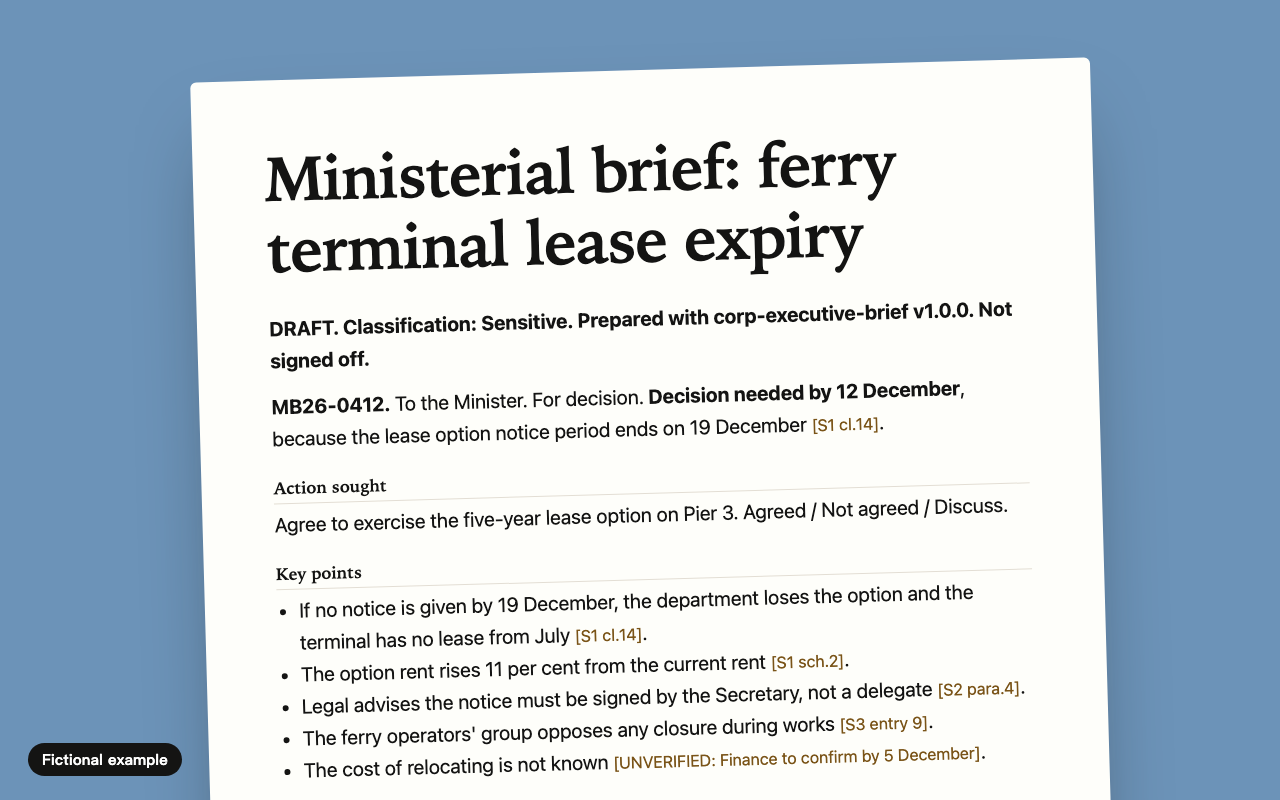
Turns approved facts into a decision-ready paper, with the recommendation on page one and every claim sourced.
One page a minister or chief executive can act on in three minutes, with handling risks and clearance shown.
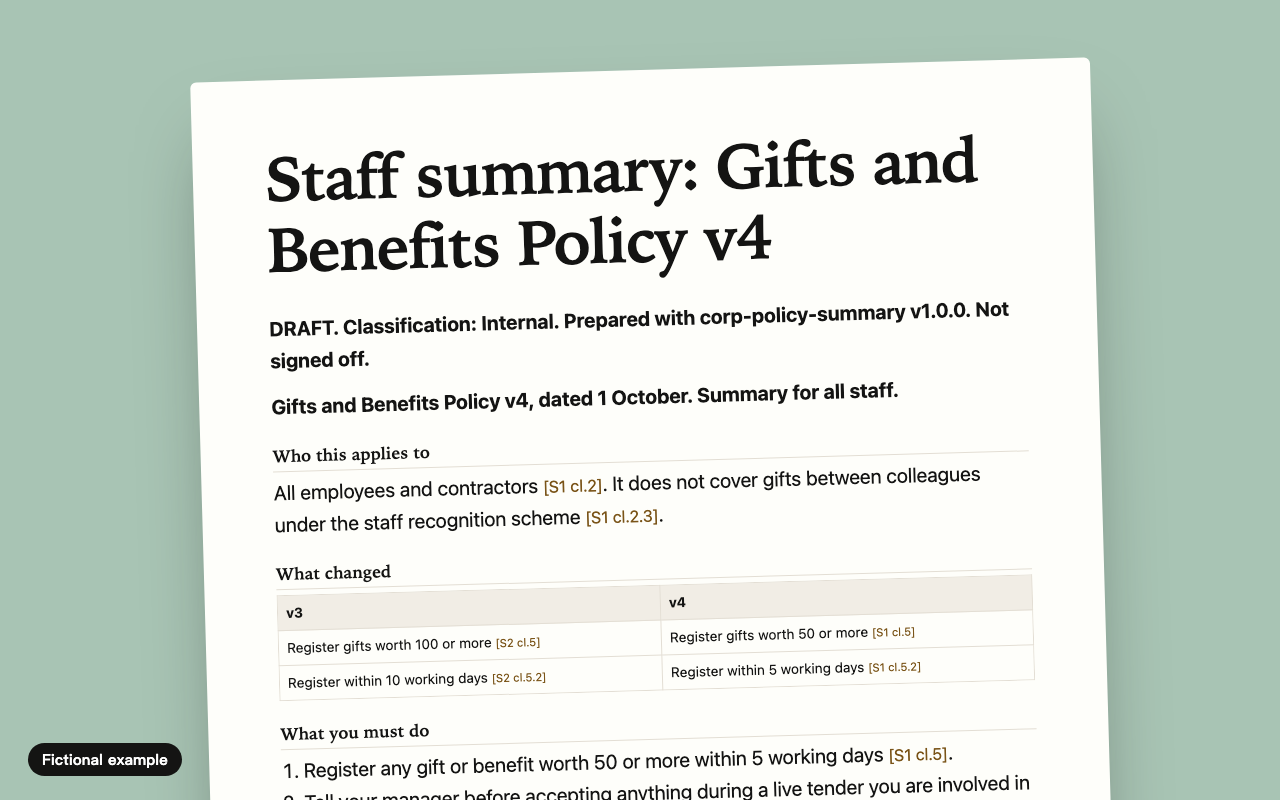
A one-page summary staff or the public can follow, with each line tied to its clause and "must" still meaning must.
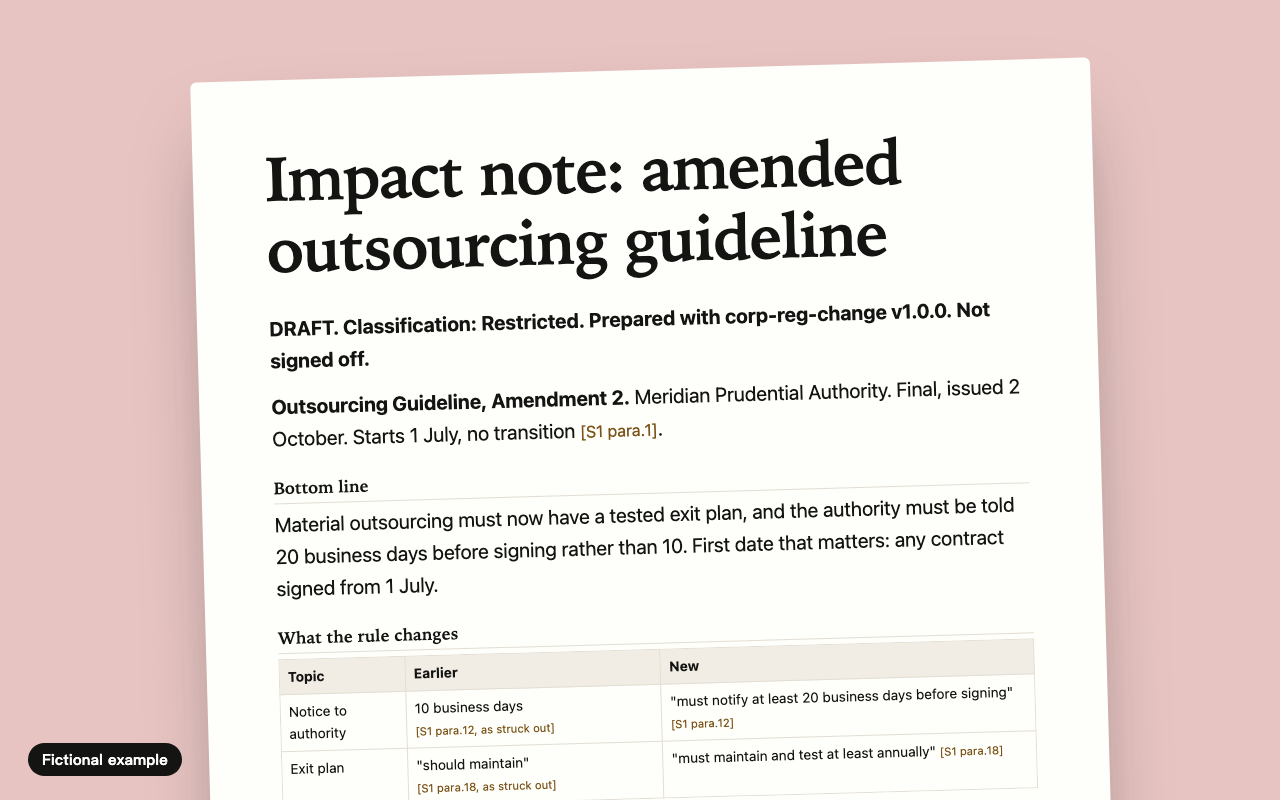
What the new rule says, whether it touches you, the gaps, and who owns each action. From the text you supply, not from memory.
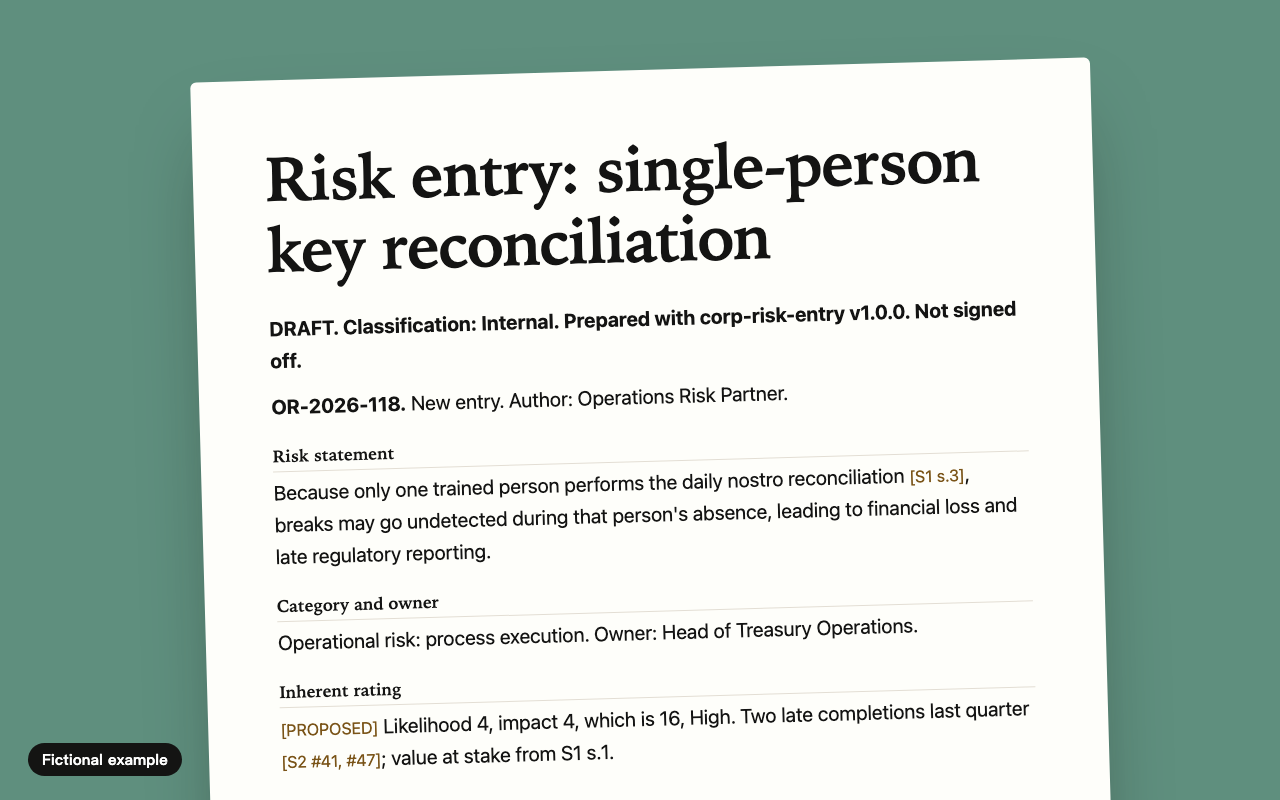
One risk, written as cause, event and consequence, rated on your matrix, with control evidence shown or marked as untested.
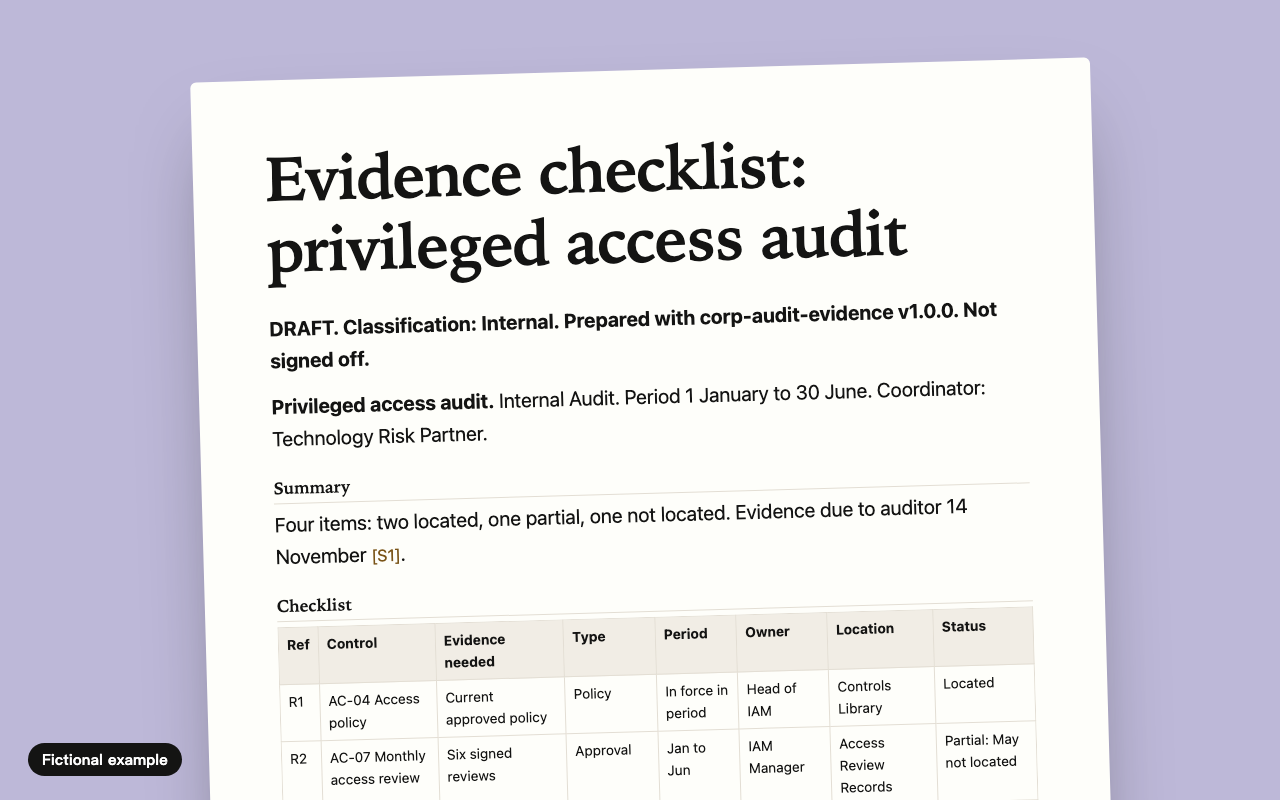
Turns an audit request list into who brings what, for which period, and what is missing. It will not create evidence.
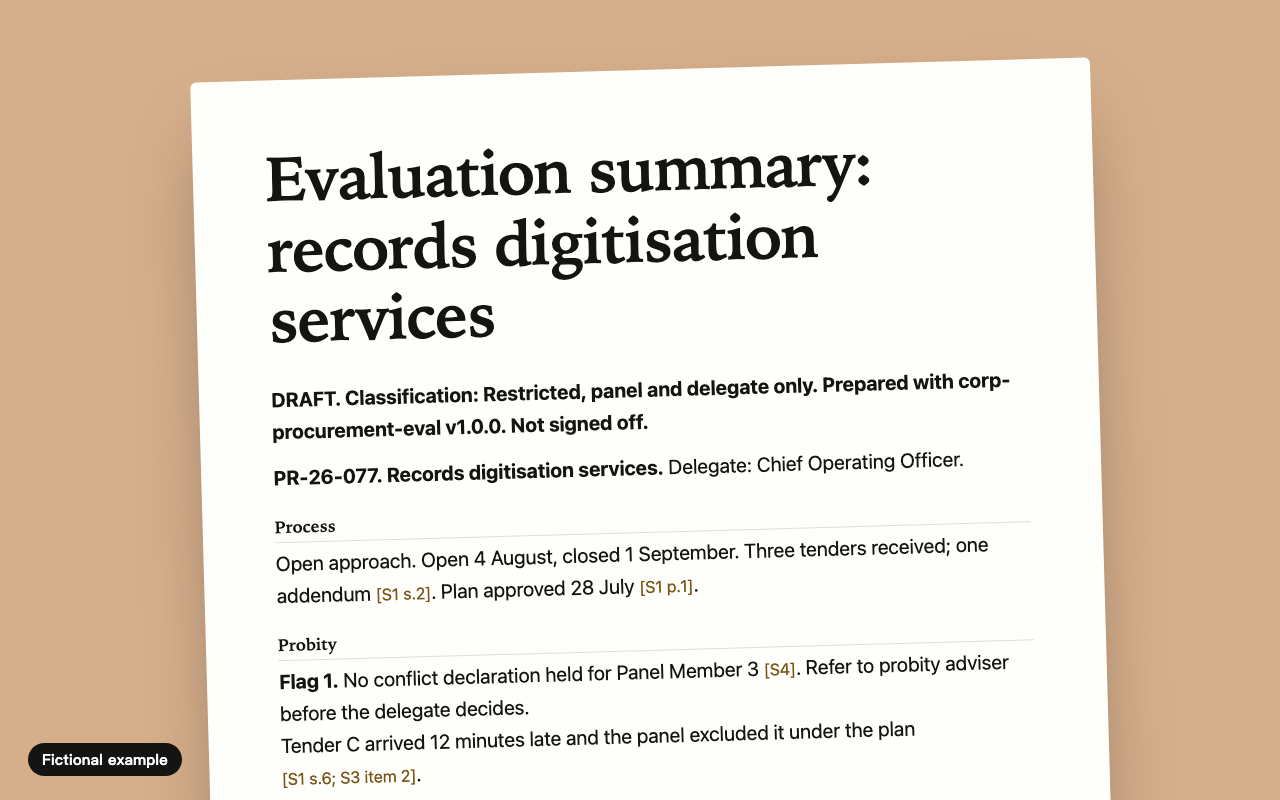
Writes up what the panel decided against the approved plan, checks the arithmetic, and will not move a score.
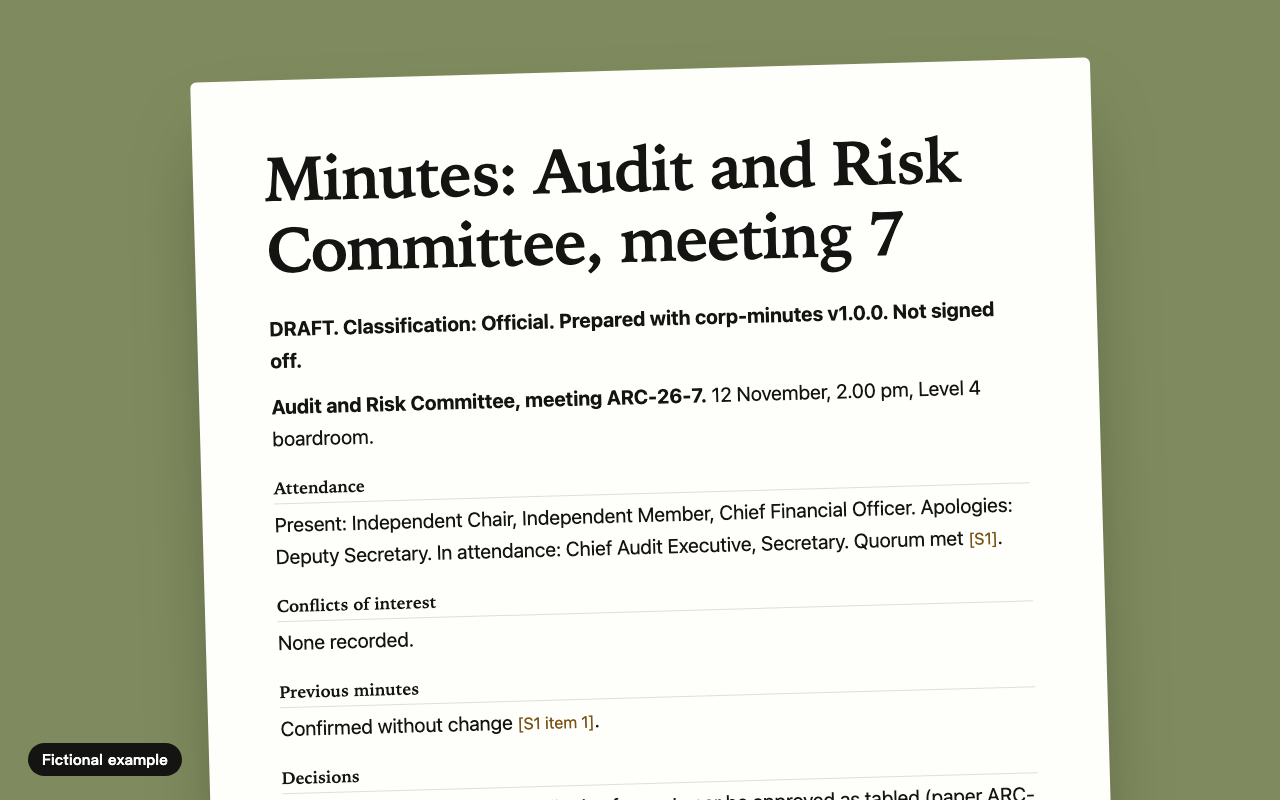
Records what was decided, not who said what. Nothing counts as decided unless the notes say so.
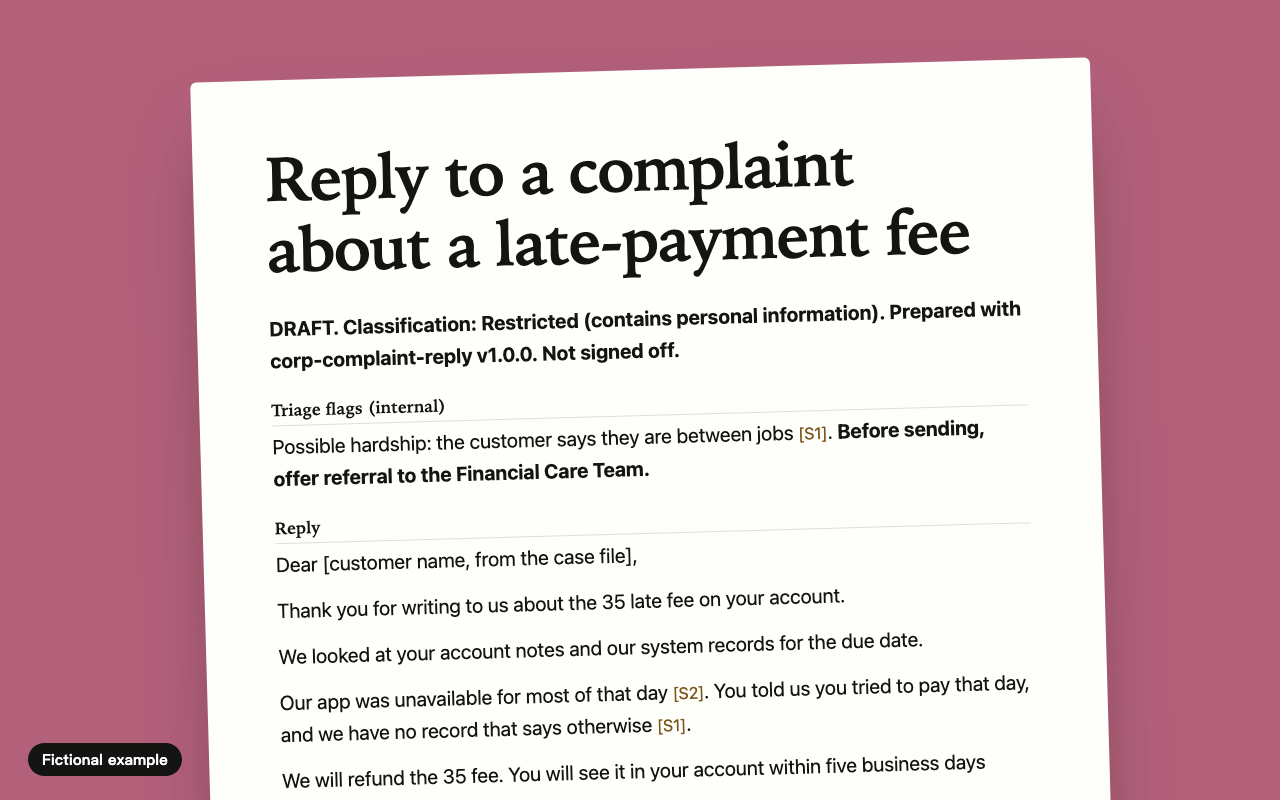
A clear, human reply plus a cover note for the approver. It flags vulnerable people and admits nothing without authority.
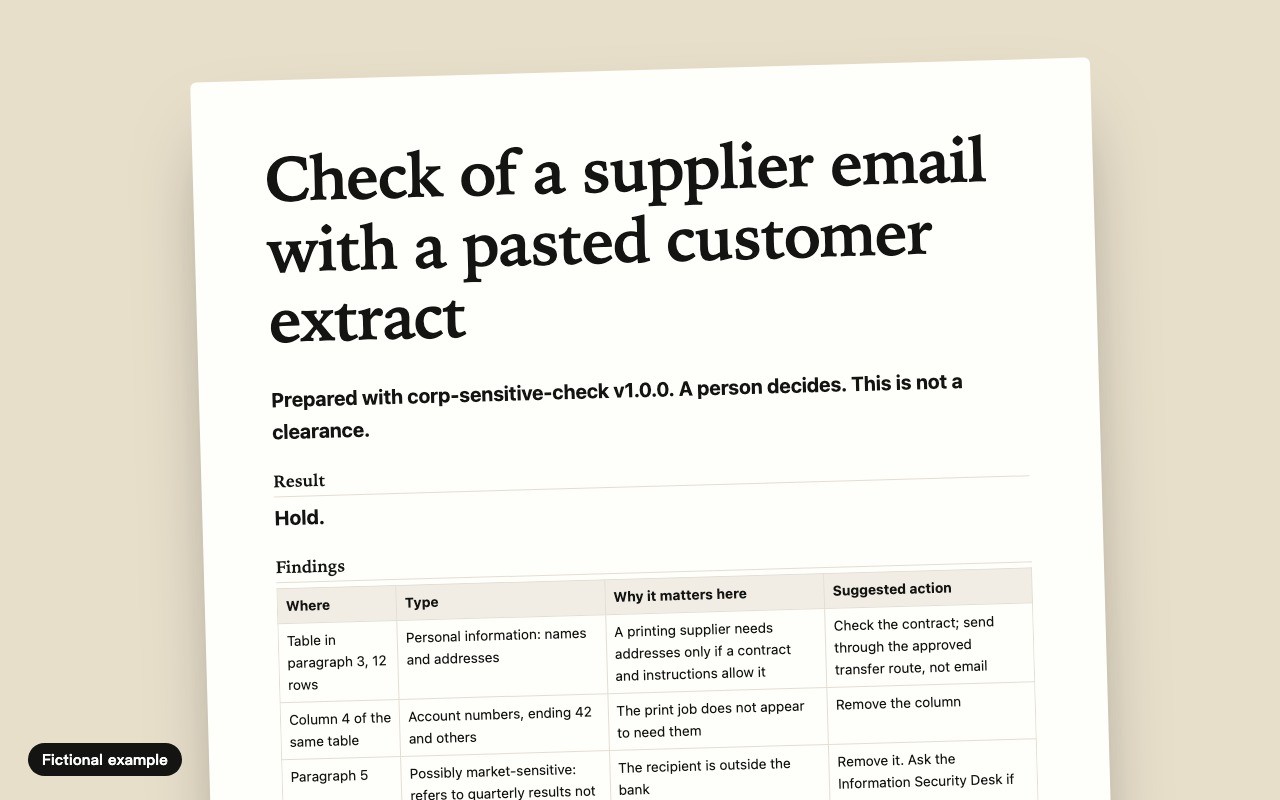
A second pair of eyes before you press send. It lists what it found and what it could not see, and never says "safe".
Make your own
Answer ten questions. Get a text-only skill from your own template, in both forms, plus a review sheet for IT.
Open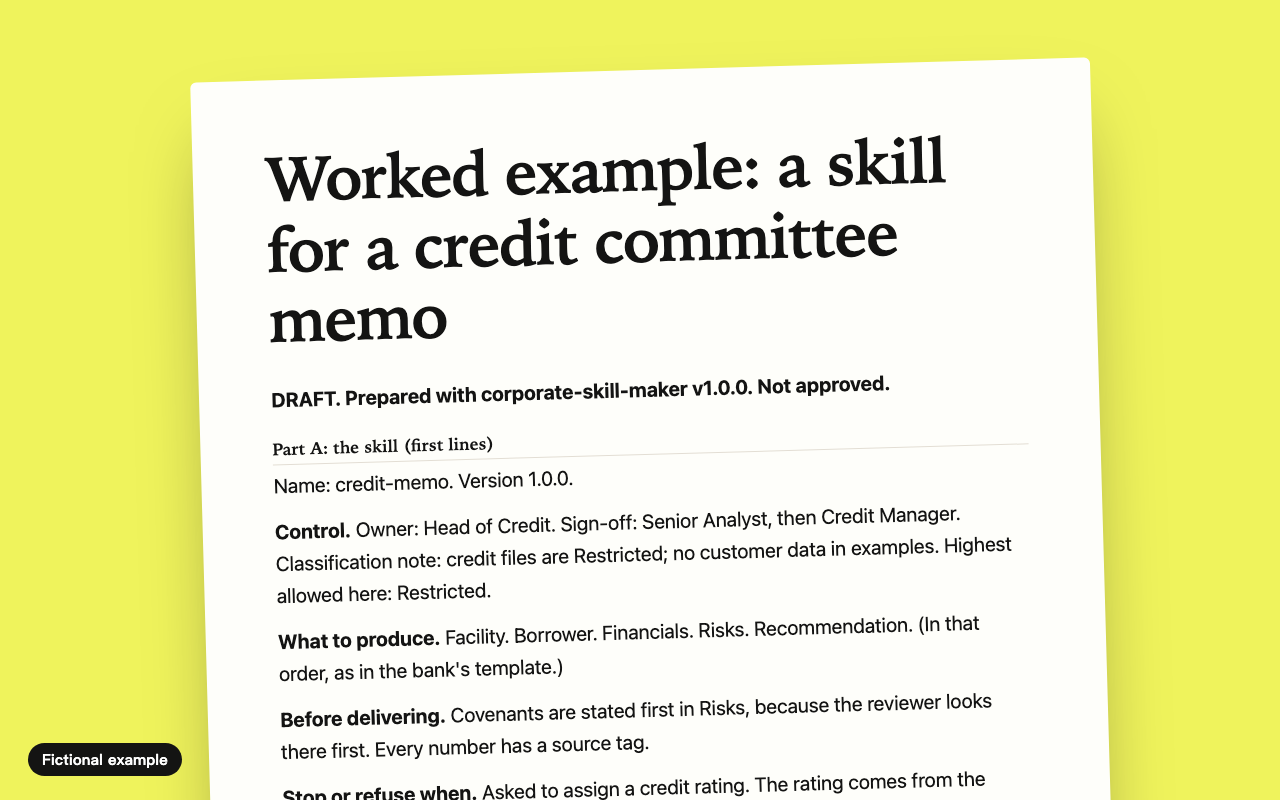
Inside VS Code and other editors.
A skill is a folder with a SKILL.md file in it.
Inside Word, Teams and Outlook.
A skill becomes a declarative agent: a manifest and an instructions file.
Not sure? If your Copilot sits in Word or Teams, it is the second one.
How
One zip per skill, safe to carry to an offline machine. It holds both forms and a review sheet.
Search for [FILL IN] in the text. Add your template, sign-off chain and classification scheme.
Give the review sheet to IT or risk. Most questions are already answered.
Copy the folder, or paste the instructions into Agent Builder. Try it on invented material first.
A general skill may come with scripts that run on your computer. VS Code's own documentation says: only reuse skills you trust. Source
A general skill may tell the agent to open web pages or connect to other tools. Your document can travel with that request.
Asked for a commencement date or a figure, a general assistant gives a plausible one. In a board paper that is a serious error.
No owner, no version, no record of change. Audit asks who approved this and when, and there is no answer.
They have never seen your template, your sign-off chain or your classification scheme, so they make those up as well.
Every skill here is built to these nine rules, and a script fails any pack that breaks one.
No scripts, no web addresses and no external tools. You can read every file in Notepad.
The skill sends nothing anywhere and declares no connection. Your Copilot service still processes prompts under your agreement: ask IT where.
It uses what you paste and the documents IT has named. Nothing from general knowledge.
Each fact carries a source tag. Anything without one is marked unverified, and its own suggestions are marked proposed.
Each output is a draft with a sign-off block. The skill never sends anything.
Each skill names its version and an owner role, which your organisation fills in.
Each skill keeps a dated record of changes for audit.
Examples use invented organisations and roles, and are labelled fictional. A script checks.
Each skill says how to treat its material, and stops if the material is above the level allowed.
These are design principles, not legal advice. Nothing here states that a skill meets a law, regulation or standard. Your own risk and legal teams decide.
We searched first and used what fit. No government or bank has published an open prompt library that we could find with a clear permissive licence. The rest here is original.
In short
Pick the skill closest to your paperwork, fill in your rules, and hand the review sheet to IT. If nothing fits, the maker turns your own template into a skill in about ten questions.
Start with the maker