Free
Broadsheet Deck
A browser deck set like a bold newspaper front page, where the titles alone tell the argument.
Install
Install the "Broadsheet Deck" skill into ~/.claude/skills/broadsheet-deck.
Download each file and save it under that folder:
https://skilllift.pages.dev/packs/broadsheet-deck/SKILL.md → SKILL.md
https://skilllift.pages.dev/packs/broadsheet-deck/references/style.md → references/style.md
https://skilllift.pages.dev/packs/broadsheet-deck/assets/template.html → assets/template.html
https://skilllift.pages.dev/packs/broadsheet-deck/scripts/check.mjs → scripts/check.mjs
Then read SKILL.md, tell me what it does, and remind me to start a new session.
Unpack it into ~/.claude/skills
Same skill, different brief
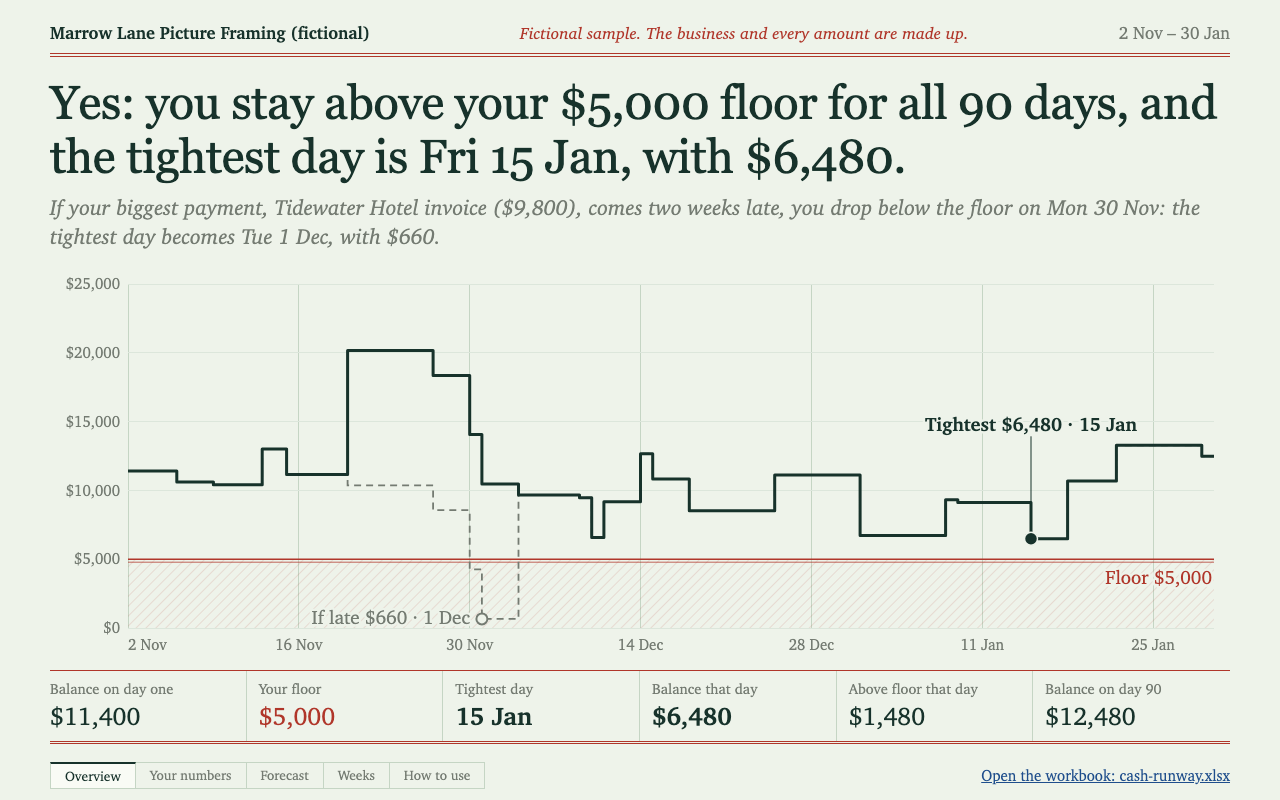
The left is the preview. The right was made by a separate agent from a different brief, using only the installed skill and without seeing the preview.

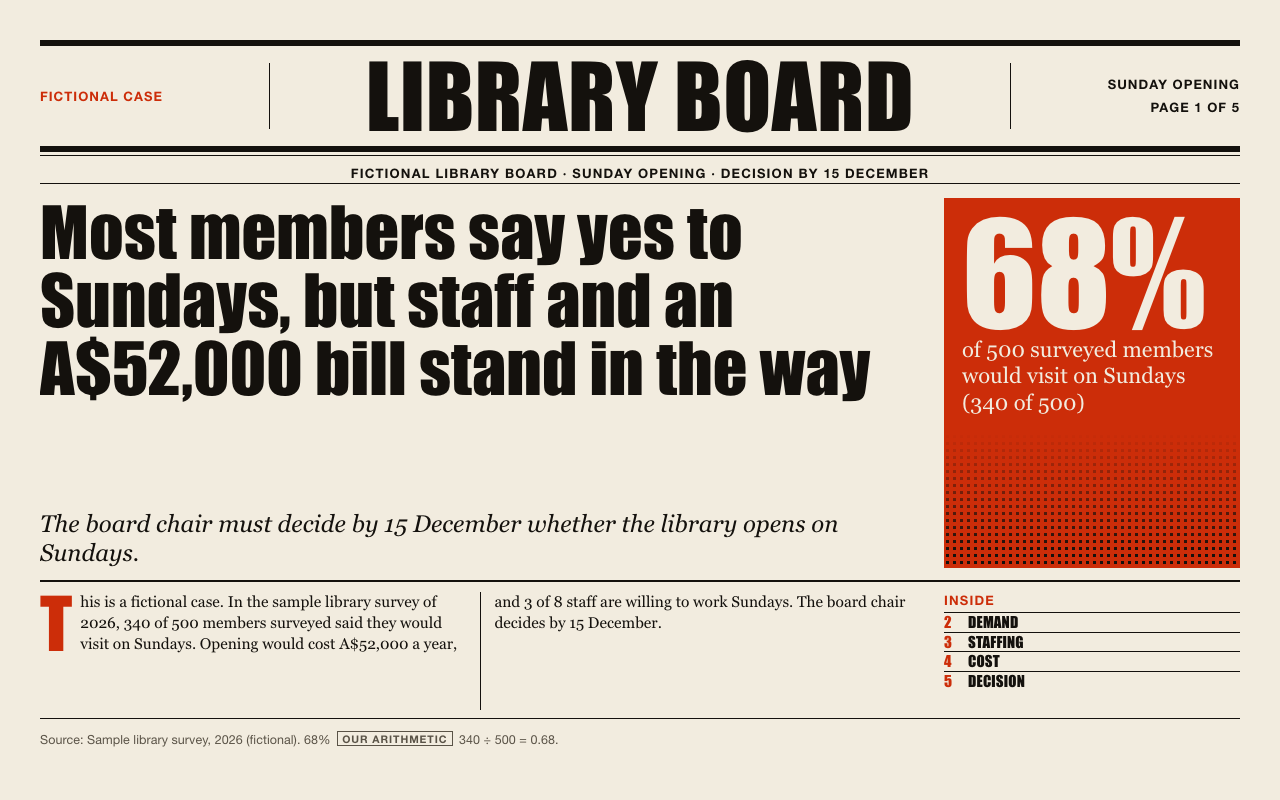
One test run on a fictional brief. Letterforms can differ on systems without the same fonts.
Builds a self-contained 16:9 browser presentation styled as a bold newspaper front page, with newsprint, near-black ink, one vermilion accent, heavy condensed headlines, ruled columns and code-drawn charts. Slide titles are full claims, so reading them alone tells the argument, and every number carries a visible source. Use when someone needs a decision deck, board update or argument-led presentation that should look strongly art-directed and work offline with no build tools.
What it must pass before delivery
node scripts/check.mjs slides/deck.htmlexits 0.- Reading only the titles, in order, gives the whole argument.
- Every number is on a slide with a visible source, a
flagor acalctag with its working. - No number, name, quote or date appears that the user did not supply, unless tagged as your own arithmetic.
- Each slide was viewed at 1280 by 720, with no
OVERFLOWbar and nothing clipped. - Each slide has one vermilion idea, not several.
- Speaker notes appear when you press
N. - Print preview shows one page per slide with backgrounds.
Read the full SKILL.md
---
name: broadsheet-deck
description: Builds a self-contained 16:9 browser presentation styled as a bold newspaper front page, with newsprint, near-black ink, one vermilion accent, heavy condensed headlines, ruled columns and code-drawn charts. Slide titles are full claims, so reading them alone tells the argument, and every number carries a visible source. Use when someone needs a decision deck, board update or argument-led presentation that should look strongly art-directed and work offline with no build tools.
version: 1.0.0
---

# Broadsheet Deck

The look lives in `assets/template.html`. You choose layouts and write words. You do not design, and you do not touch styling.

## Ask for these first

1. **The decision or argument.** What should the audience believe or do at the end?
2. **The audience and who decides**, with any deadline.
3. **The facts and numbers, each with its source.** Ask for missing sources before writing.
4. **The nameplate**: a company or deck name, 22 characters at most.
5. **The language**: English or Chinese.
6. **Any notice** to show on every slide, such as a confidentiality or sample line. Optional.

If you cannot ask, go ahead with what you have and flag every gap on the slide. Never fill a gap with a plausible number.

## Steps

1. **Read `references/style.md`.** It lists every layout with its slots and character limits.
2. **Write the titles first, as a plain list.** Each is a full claim with a verb. Read them in order: if they do not make the argument alone, rewrite them before going further.
3. **Pick one layout per title.** Slide 1 is always `front`. A decision deck ends on `decision`. Use six to twelve slides.
4. **Copy `assets/template.html` to `slides/deck.html`.** Work only on the copy.
5. **Keep the slides you need.** Delete a whole `<section class="slide">` to drop a layout, or duplicate a whole one to use it again. Do not edit what remains except as below.
6. **Change only marked content:**
   - the text inside any element with `data-slot`, and the `<title>`
   - the three deck slots in `#bs-deck`
   - the JSON in `chart-data`, and `data-chart` on a chart figure (`bars`, `columns` or `line`)
   - the number of `data-repeat` elements, within the limits in `references/style.md`, by duplicating or deleting whole elements
   - `<html lang>`: `en` or `zh-CN`
7. **Apply the source rule.**
   - Every slide with a number has a source slot starting `Source:` (`来源:` in Chinese). If the slide has no source at all, put `<span class="flag">No source</span>` in that slot.
   - A single unsourced number on a sourced slide gets `<span class="flag">No source</span>` beside it, on the slide.
   - A fact missing from the material gets a flag saying so, such as `<span class="flag">Not in the brief</span>`.
   - A number you worked out gets `<span class="calc">Our arithmetic</span>`, with the working shown.
   - Quotes must be real and named. Otherwise label the pull quote as the deck's own reading.
8. **Write speaker notes** in each `notes` slot: what to say that the slide does not.
9. **Run the checker:** `node scripts/check.mjs slides/deck.html`, using the script in this skill's folder. Fix what it reports by shortening or correcting the words. Repeat until it passes.
10. **Open the deck and look at every slide at 1280 by 720.** A black and yellow `OVERFLOW` bar names any slot that does not fit, and `BroadsheetDeck.audit()` in the page returns the same list; it must be empty. If you have no browser, say so in your delivery instead of claiming the slides were inspected.

## Deliverables

- `slides/deck.html`: one file, no external requests. Open it in any browser.
- The checker's PASS output, which also lists the titles in order so they can be read as the argument.
- A short list of every flag left on the slides, so the owner knows what still needs a source.

Tell the user the keys: arrows to move, `N` for notes, `F` for full screen, `P` to print to PDF.

## Before delivering

- [ ] `node scripts/check.mjs slides/deck.html` exits 0.
- [ ] Reading only the titles, in order, gives the whole argument.
- [ ] Every number is on a slide with a visible source, a `flag` or a `calc` tag with its working.
- [ ] No number, name, quote or date appears that the user did not supply, unless tagged as your own arithmetic.
- [ ] Each slide was viewed at 1280 by 720, with no `OVERFLOW` bar and nothing clipped.
- [ ] Each slide has one vermilion idea, not several.
- [ ] Speaker notes appear when you press `N`.
- [ ] Print preview shows one page per slide with backgrounds.

## When not to use it

- The brand rules require the company's own template, colours or fonts.
- The tone must be quiet or delicate. This style is loud on purpose: a memorial, a sensitive staff message or a clinical result would suffer.
- The deck must be edited in PowerPoint or Keynote by others.
- The content is mostly images, screenshots or video. The layouts have no image slots.
- There is no argument, only reference material. Long lookup tables belong in a document.

## Slide count and unattended runs

- Six to twelve slides is the default. If the user asks for a different number, follow the user. The Inside list may show fewer items.
- Do not abbreviate a figure to fit a slot unless the meaning stays exact (A$52K for A$52,000 is fine). Say so in your reply.
- A figure you derive must carry the Our arithmetic tag and its sum.
- If nobody can answer questions, proceed and list every assumption in your reply.
- Look at every slide, not only slide one, before delivering.
Used in these workflows
- Raise money or pitch step 4
- Report to a client step 3
- Present research step 3
- Make a report deck step 3
- Win a client with a proposal step 3