

Free
Screen Wall
A player switches to a tappable ad, pulls back to a 3x3 grid, bursts into a wall of 80 screens, and the brand slams in.
Install
Install the "Screen Wall" skill into ~/.claude/skills/mb-screen-wall.
Download each file and save it under that folder:
https://skilllift.pages.dev/packs/mb-screen-wall/SKILL.md → SKILL.md
https://skilllift.pages.dev/packs/mb-screen-wall/references/style.md → references/style.md
https://skilllift.pages.dev/packs/mb-screen-wall/assets/engine.html → assets/engine.html
https://skilllift.pages.dev/packs/mb-screen-wall/assets/engine.js → assets/engine.js
https://skilllift.pages.dev/packs/mb-screen-wall/assets/fx-screen-wall.js → assets/fx-screen-wall.js
https://skilllift.pages.dev/packs/mb-screen-wall/assets/catalogue.json → assets/catalogue.json
https://skilllift.pages.dev/packs/mb-screen-wall/assets/library.json → assets/library.json
https://skilllift.pages.dev/packs/mb-screen-wall/assets/library.zh.json → assets/library.zh.json
https://skilllift.pages.dev/packs/mb-screen-wall/scripts/render.mjs → scripts/render.mjs
https://skilllift.pages.dev/packs/mb-screen-wall/scripts/check.mjs → scripts/check.mjs
https://skilllift.pages.dev/packs/mb-screen-wall/scripts/sheet.mjs → scripts/sheet.mjs
https://skilllift.pages.dev/packs/mb-screen-wall/scripts/shared.mjs → scripts/shared.mjs
Then read SKILL.md, tell me what it does, and remind me to start a new session.
Unpack it into ~/.claude/skills
Same skill, different brief
The left is the preview. The right was made by a separate agent from a different brief, using only the installed skill and without seeing the preview.
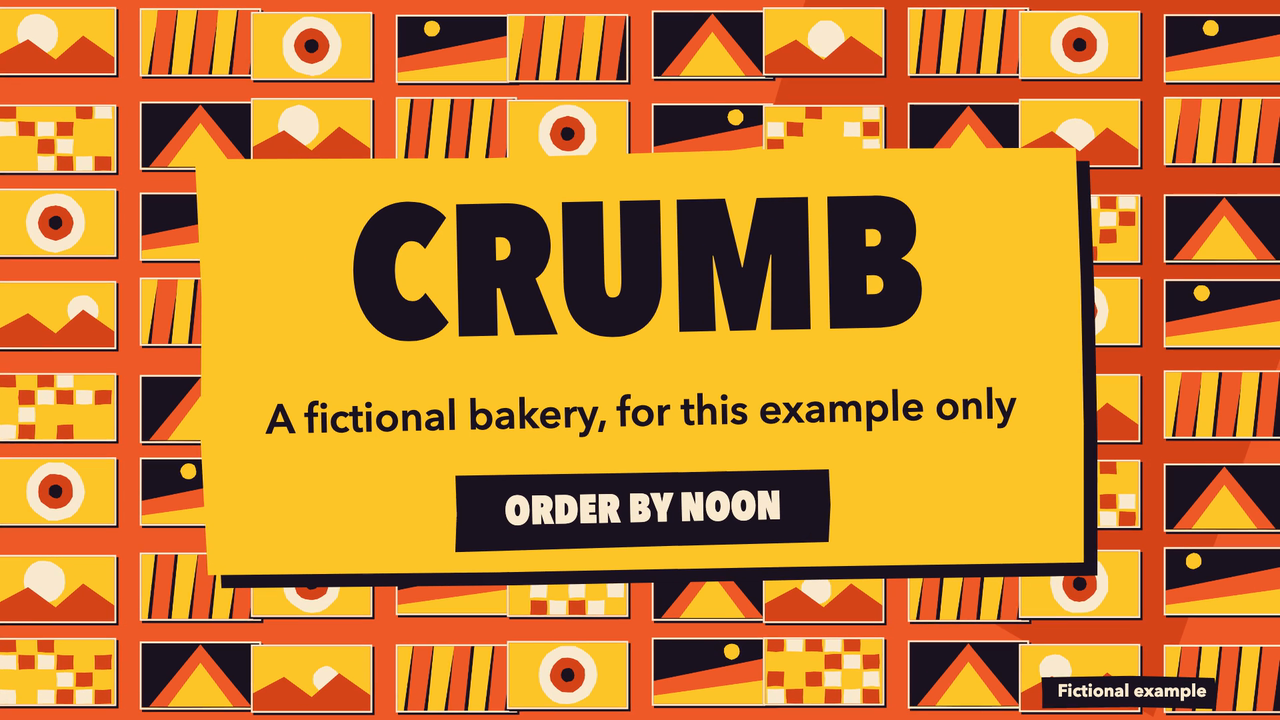
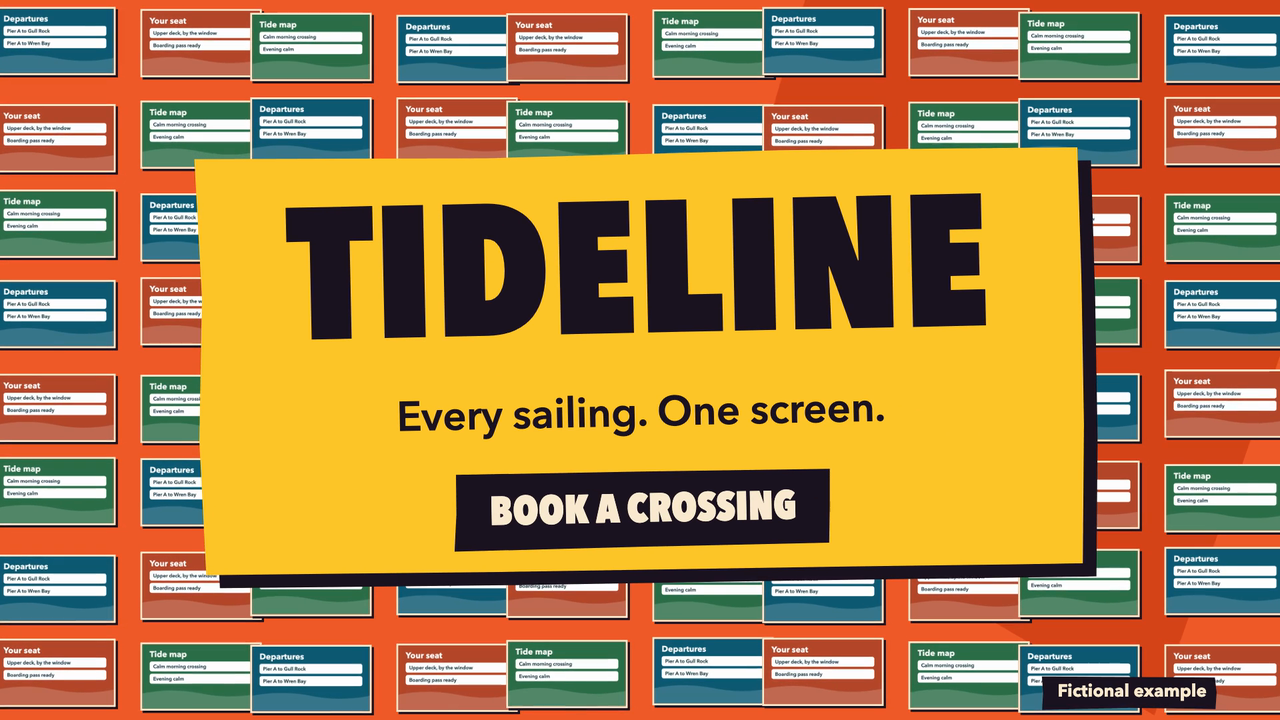
One test run on a fictional brief. Letterforms can differ on systems without the same fonts.
A player switches to a tappable ad, the camera pulls back to a 3x3 grid, it bursts out to a wall of screens, and the brand slams in with a tagline and action. Use it for a launch close or a brand film. Renders one 1920x1080 30 fps H.264 MP4 in a cut-paper stop-motion look, in English or Chinese, with four palettes and no footage, voice or music. Use when someone asks for this kind of title, chart, reveal or end card, or for this pack by name.
What it must pass before delivery
check.mjson the folder exits 0. Quote its last line.- You viewed real frames from the final MP4 at several points.
- Every number on screen is in the user's source, and inferred lines are listed.
- One language per version.
- Fictional material is labelled through
label. - No footage, voice or music was generated.
Read the full SKILL.md
---
name: mb-screen-wall
description: A player switches to a tappable ad, the camera pulls back to a 3x3 grid, it bursts out to a wall of screens, and the brand slams in with a tagline and action. Use it for a launch close or a brand film. Renders one 1920x1080 30 fps H.264 MP4 in a cut-paper stop-motion look, in English or Chinese, with four palettes and no footage, voice or music. Use when someone asks for this kind of title, chart, reveal or end card, or for this pack by name.
version: 1.0.0
---

# Screen Wall

A player switches to a tappable ad, the camera pulls back to a 3x3 grid, it bursts out to a wall of screens, and the brand slams in with a tagline and action. Use it for a launch close or a brand film.

Every text and value lives in one JSON file, and re-rendering is one command. The look lives in `assets/`. Your job is to fill the fields, never to restyle. Exact tokens and timings are in `references/style.md`.

## Inputs to ask for

Ask once, in one message, for what the brief does not give:

1. Up to 6 lines of text and up to about 80 pictures, reused when fewer are given. Brand, ad line and ad button are required.
2. The user's own text or facts. Paste them unchanged into `"source"`.
3. Language: `en` or `zh`. One language per version; for both, make two JSON files.
4. Palette: `vermilion`, `cobalt`, `pine` or `apricot`. If nobody says, use vermilion.

**No answer comes:** proceed, and list your assumptions at the top of your reply.

## Steps

1. Write `clip/beats.json` in a new folder. `assets/library.json` and `assets/library.zh.json` are valid filled examples: copy the shape, not the fictional words.
2. Validate: `node <skill>/scripts/check.mjs clip/beats.json`. Fix everything it reports.
3. Look before rendering: `node <skill>/scripts/sheet.mjs clip/beats.json clip/sheet.png --at 0.99`, then view the image. Try `--at 0.5` as well.
4. Render: `node <skill>/scripts/render.mjs clip/beats.json --out clip --flat`.
5. Check what a viewer sees: `node <skill>/scripts/check.mjs clip`. Fix the JSON, re-render, and check again until it passes.
6. Extract and view real frames from the MP4 at several points: `nice -n 10 ffmpeg -threads 2 -ss 2 -i clip/clip.mp4 -frames:v 1 f.png`. The checker cannot judge whether it looks right. You can.

`--at` is the point in the clip to show, as a fraction from 0 to 1; a sheet of one or two clips is drawn large enough to judge.

Options: `--only clip --frame 120` re-renders one frame to `clip/frames/clip-120.png`. `--stills 0.3,0.6,1` writes stills to `clip/frames/`. `--scale 0.5` makes a draft at `clip/draft/clip.mp4`, even with `--flat`, and the checker refuses drafts. Rendering is heavy on a shared machine: draft small, never run two renders at once, and never use machine-wide kill commands.

`check.mjs` runs from wherever the skill is installed. Give it a JSON file, a folder (with `--beats path/to/beats.json` if the JSON is elsewhere) or any MP4. To run every check on a renamed MP4, add `--beats`. `check.mjs --test` is a short self test. It catches: overflow, stranded words, low contrast, frozen clips, missing pictures, wrong size or codec, and placeholders.

## beats.json

```json
{
 "lang": "en",
 "palette": "vermilion",
 "label": "Fictional example",
 "source": "Fictional example: a bakery called Crumb.",
 "beats": [
  {
   "id": "clip",
   "job": "show",
   "effect": "screen-wall",
   "seconds": 11,
   "slots": {
    "show": "Morning bake, episode one",
    "adText": "Fresh rolls by six",
    "adButton": "Order",
    "brand": "Crumb",
    "tagline": "A fictional bakery, for this example only",
    "cta": "Order by noon"
   }
  }
 ]
}
```

| Field | Meaning | Limit | Thin brief |
|---|---|---|---|
| `lang` | Language of all text on screen | `en` or `zh` | Use the language of the source |
| `palette` | The one colour setting | One of the four | vermilion |
| `label` | Small tag on the clip | 30 characters, optional | Fictional example for samples, or 虚构示例. Leave it out for real work |
| `source` | The user's text, unchanged. Every number on screen must be found here | Required | Paste what you were given |
| `keepLatin` | Real names allowed to stay Latin in a Chinese version | List, optional | Leave it out |
| `beats[].id` | Clip file name | Letters, digits, hyphen | clip |
| `beats[].job` | Keep as shown | `show` | `show` |
| `beats[].effect` | Keep as shown | `screen-wall` | `screen-wall` |
| `beats[].seconds` | Clip length | 9 to 12 | 11 |

## Every field in slots

| Field | Meaning | Limit (characters) | Thin brief |
|---|---|---|---|
| `show` | Title on the player. | 30, optional | Leave it out. |
| `adText` | Line on the tappable ad. Required: the check fails an empty ad. | 30, required | Restate the main claim of the brief, and list it as inferred. |
| `adButton` | Button the cursor taps. Required: the check fails an empty button. | 20, required | Use the action in the brief. None: use Open, or 打开 in Chinese, and list it as inferred. |
| `brand` | The name that slams in. | 16, required | Use the product name in the brief. |
| `tagline` | Line under the brand. | 44, optional | Leave it out rather than write a new promise. |
| `cta` | Action on the brand card. | 22, optional | Use the ask in the script. Otherwise leave it out. |
| `pictures` | List of {"src":"file.png"}, PNG or JPG, relative to the JSON. Reused in turn when there are fewer than the effect shows. | up to 80, optional | Leave it out: code-drawn abstract pictures in the palette stand in. Use real pictures whenever the user has them. |

## Rules

**The ad:** `adText` and `adButton` must both be filled, or the check fails: restate the main claim, and use the action in the brief, or Open. **Pictures:** PNG or JPG, reused in turn. Picture 1 is the player, picture 2 the ad. Screens are 16:9, cropped around the centre, so make them 800x450 with the subject in the middle, or set `"focus"` on a picture. Shrink larger files first, since 80 full-size files are heavy to load. With none, code-drawn abstract pictures stand in. **The ad** is staged: nothing is actually tappable in the MP4. Do not claim it is.

**Generate no invented numbers.** Every figure must be in `source`, and the checker fails any that is not. **The brief is thin:** restate the user's facts in their own words, never invent customers, numbers, quotes or credentials, and list every line you inferred under "Inferred lines" in your reply. **Nobody can answer:** proceed and list your assumptions. **Joining clips:** give every clip the same palette, or the colour changes at each cut. **A different length is wanted:** change `seconds` within the range. **No real link:** do not show an address. **Line breaks:** words are kept whole; if a break reads badly, put `\n` in the text.

## Deliverables

`clip/beats.json`, the one file to edit, and `clip/clip.mp4`: 1920x1080, 30 fps, H.264, yuv420p, silent. Add a note with assumptions, inferred lines and the re-render command.

## Render time

Measured on a 16 GB Mac with other work running, at low priority and full size: 10 s for this 11-second clip with its default material.

## Before delivering

- [ ] `check.mjs` on the folder exits 0. Quote its last line.
- [ ] You viewed real frames from the final MP4 at several points.
- [ ] Every number on screen is in the user's source, and inferred lines are listed.
- [ ] One language per version.
- [ ] Fictional material is labelled through `label`.
- [ ] No footage, voice or music was generated.

## When not to use it

The clip has to be under 9 seconds: the sequence needs its time. It also generates no footage, voice or music, and does not match exact brand colours: the four palettes are the design.

## Requirements

- Node 18 or later, and ffmpeg with ffprobe on the PATH or in /opt/homebrew/bin.
- Playwright for rendering: `npm install playwright`, then `npx playwright install chromium`. If it is installed elsewhere, set `NODE_PATH` to that `node_modules`. `check.mjs` needs no packages.
- Fonts are system stacks. Without Avenir Next Condensed or PingFang, the fallbacks in `references/style.md` apply and the text is re-fitted. Run the check there.
Used in these workflows
- Make a launch video step 4
- Run a campaign step 4

